QR Code Business Card
Save my contact in one scan.
Stop handing out paper cards that get lost. Share a vCard QR code that opens your contact info instantly—so people can save it to their phone in seconds.

Networking made easy: scan → save contact → done.
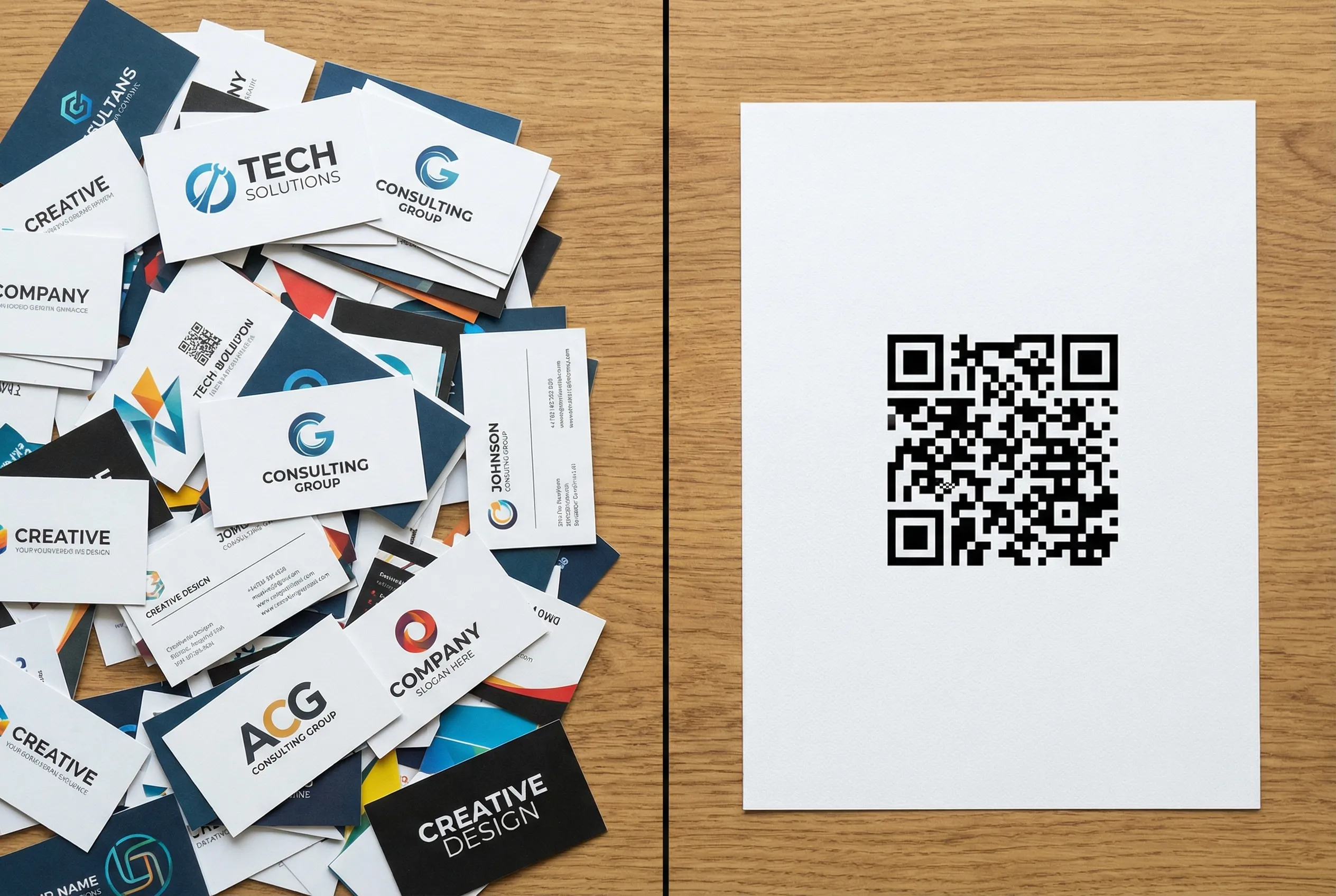
Paper business cards don’t convert
Most cards end up in a pocket, a drawer, or the trash. A QR code business card puts your contact directly into someone’s phone—while you’re still talking.
People don’t type names, emails, and websites manually
Cards get lost before anyone follows up
When your info changes, you have to reprint
How a QR Code Business Card Works
Create → download → scan → saved.
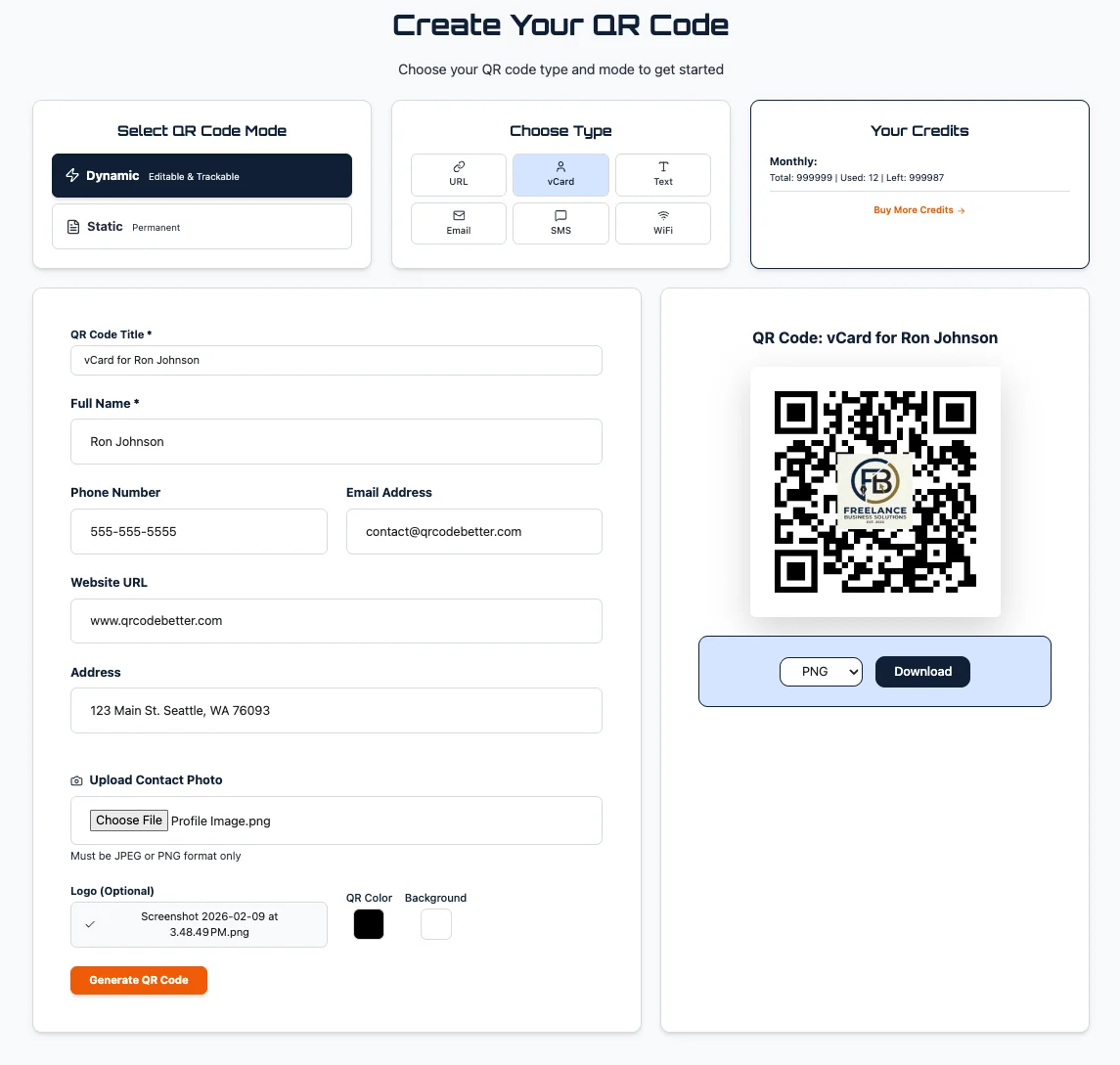
1. Create your vCard
Fill in your contact info and add a logo.
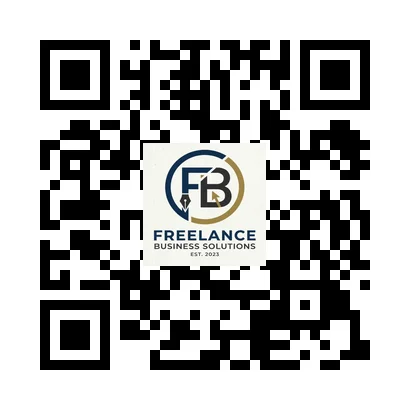
2. Download the QR
Export PNG / SVG / PDF for print or sharing.
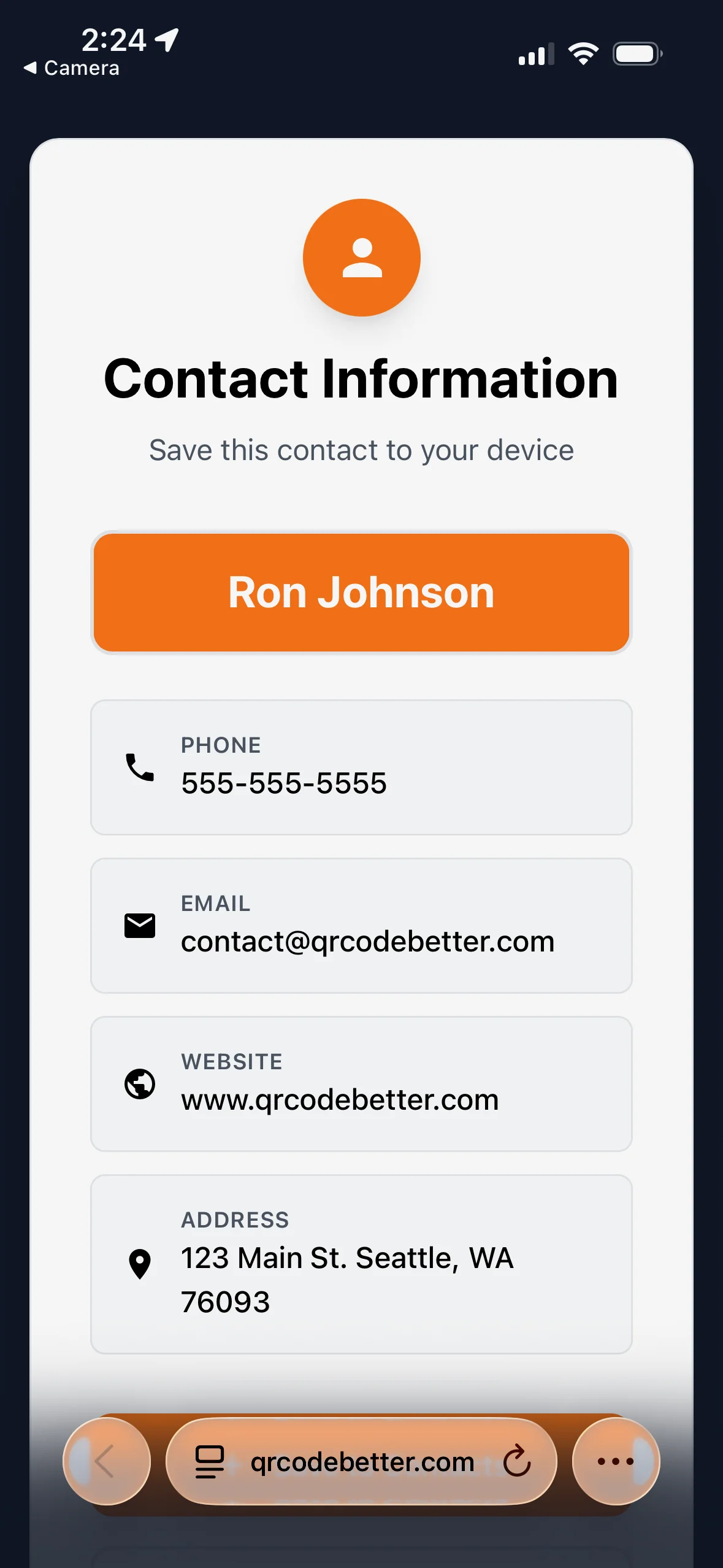
3. Scan → Save
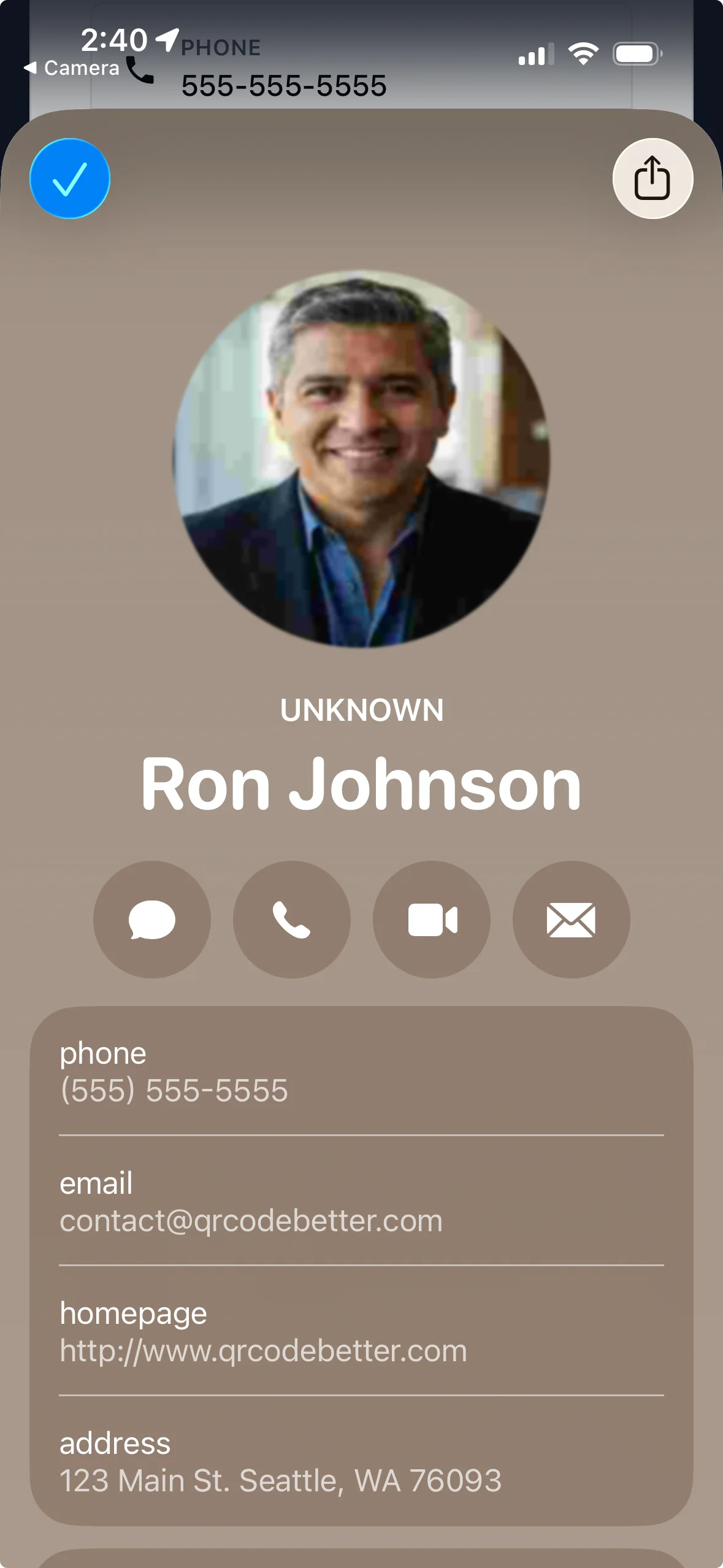
The contact saves instantly.
Why QR Business Cards Convert Better
The faster someone saves your contact, the more likely they are to follow up.
One-scan contact save
No typing. No mistakes. Just scan and save.
Update anytime
Change your phone, title, or website without reprinting.
Ready to print
Download a crisp QR for business cards, badges, table tents, and flyers.
Optional analytics
See scans, devices, and locations (without personal scanner data).
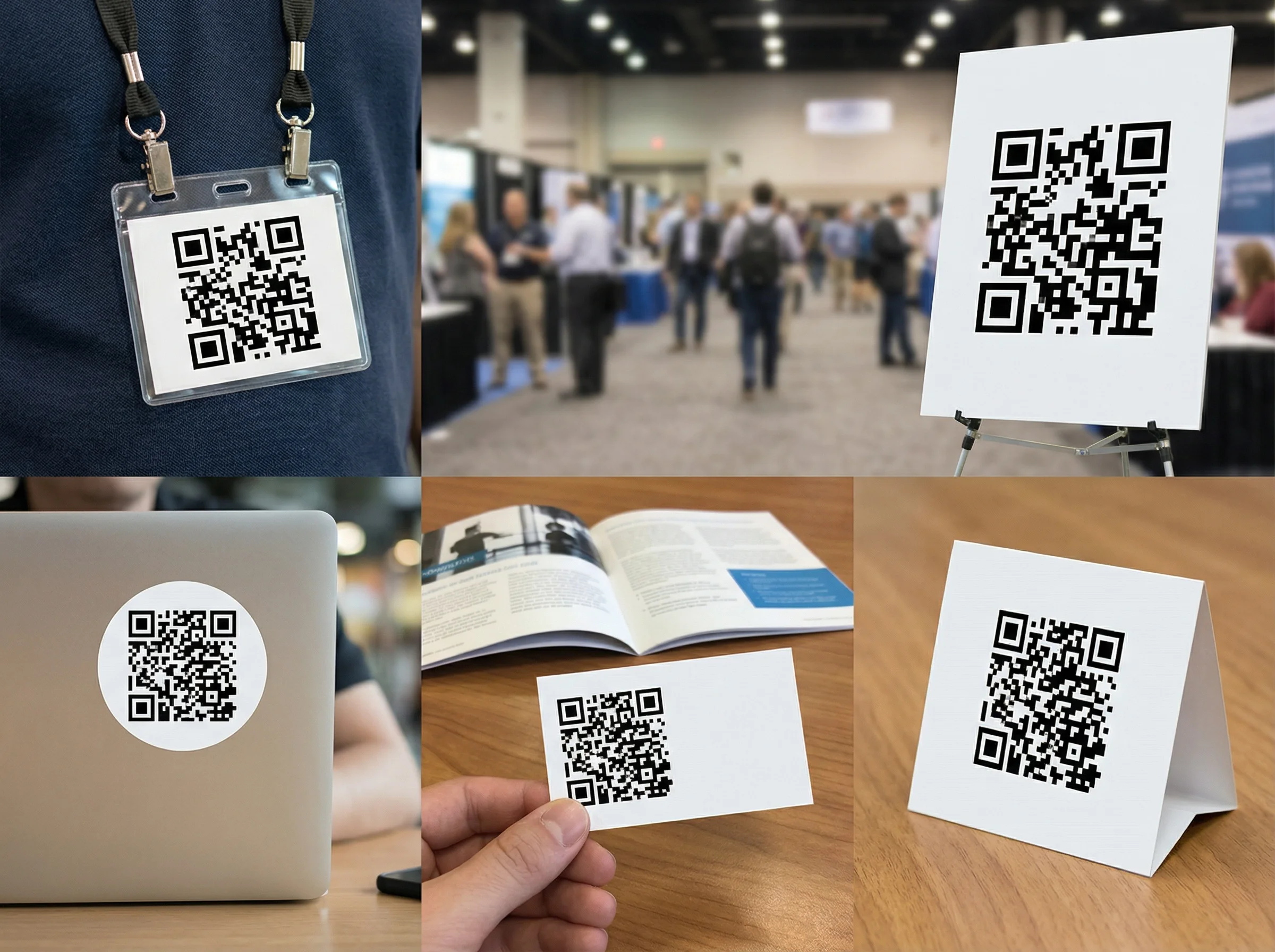
Use it anywhere people meet you
Put your QR business card on your phone wallpaper, email signature, LinkedIn banner, printed cards, badges, booth signage—anywhere someone might want your contact.
The moment that matters: saved contact
A QR business card isn’t about the QR—it’s about what happens after the scan. When your contact is saved, you’re far more likely to get a reply later.
Less friction = more follow-ups
Save to contacts in seconds while you’re still face-to-face.
Make your next introduction effortless
One QR code business card you can use everywhere.
No credit card required • Cancel anytime
Common Questions
What is a QR code business card?
It’s a QR code that opens your contact information (vCard) on someone’s phone, so they can save you as a contact in one scan.
Does this work on iPhone and Android?
Yes. Most phones scan QR codes with the built-in camera. After scanning, people can save your contact instantly.
Can I update my info later?
Yes. Update your contact info anytime. If you use a dynamic QR, the printed QR can stay the same while the destination updates.
What should I print it on?
Business cards, badges, table tents, flyers, packaging inserts, or even your phone wallpaper. Anywhere someone might want your contact.