QR Codes for Events
That update when your event does.
Schedules change. Speakers cancel. Rooms get reassigned. With dynamic QR codes, you update the destination — not the printed program. Track every scan and know exactly how attendees engage.
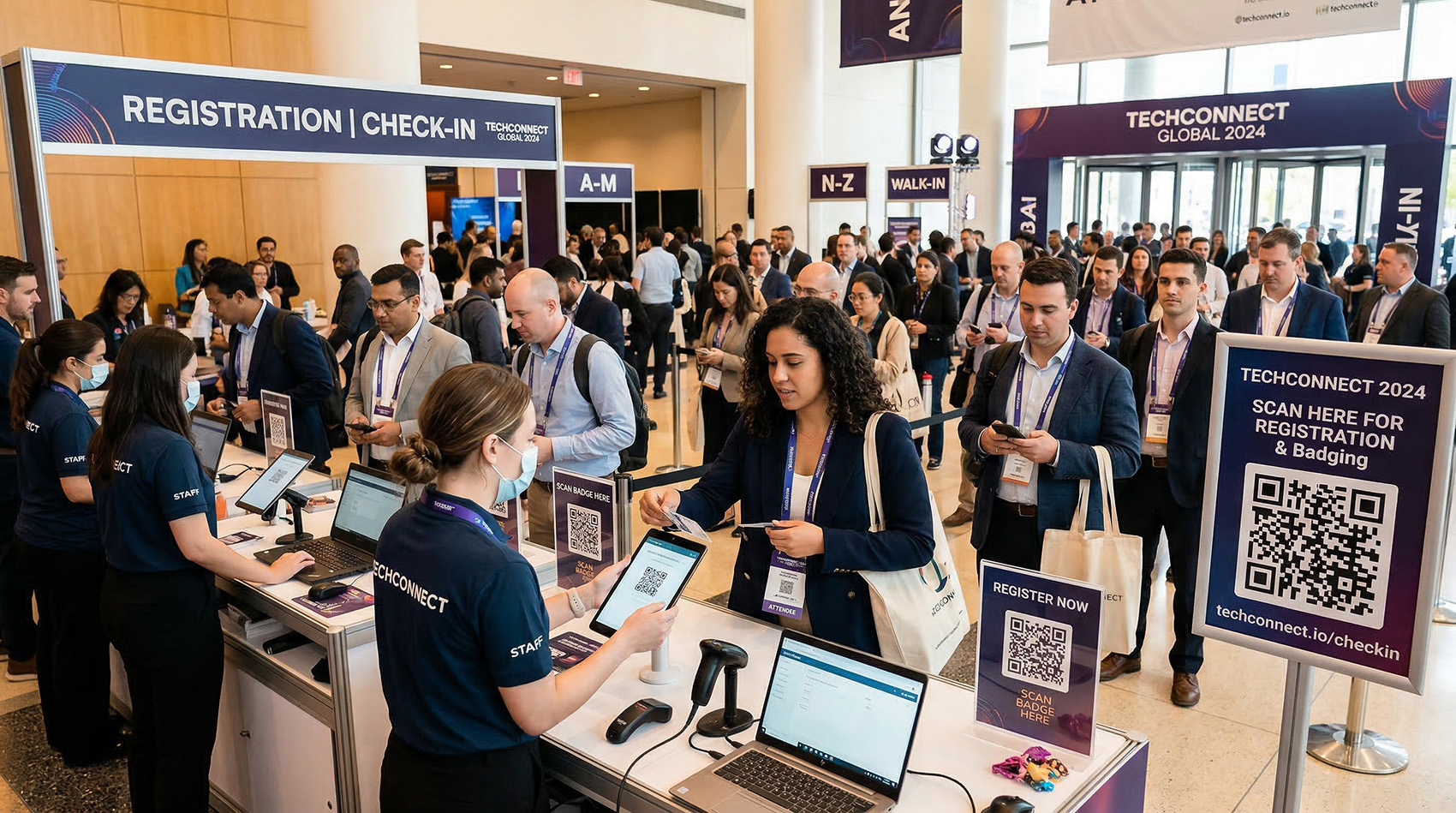
QR codes at check-in, on signage, on badges — every one trackable and editable.
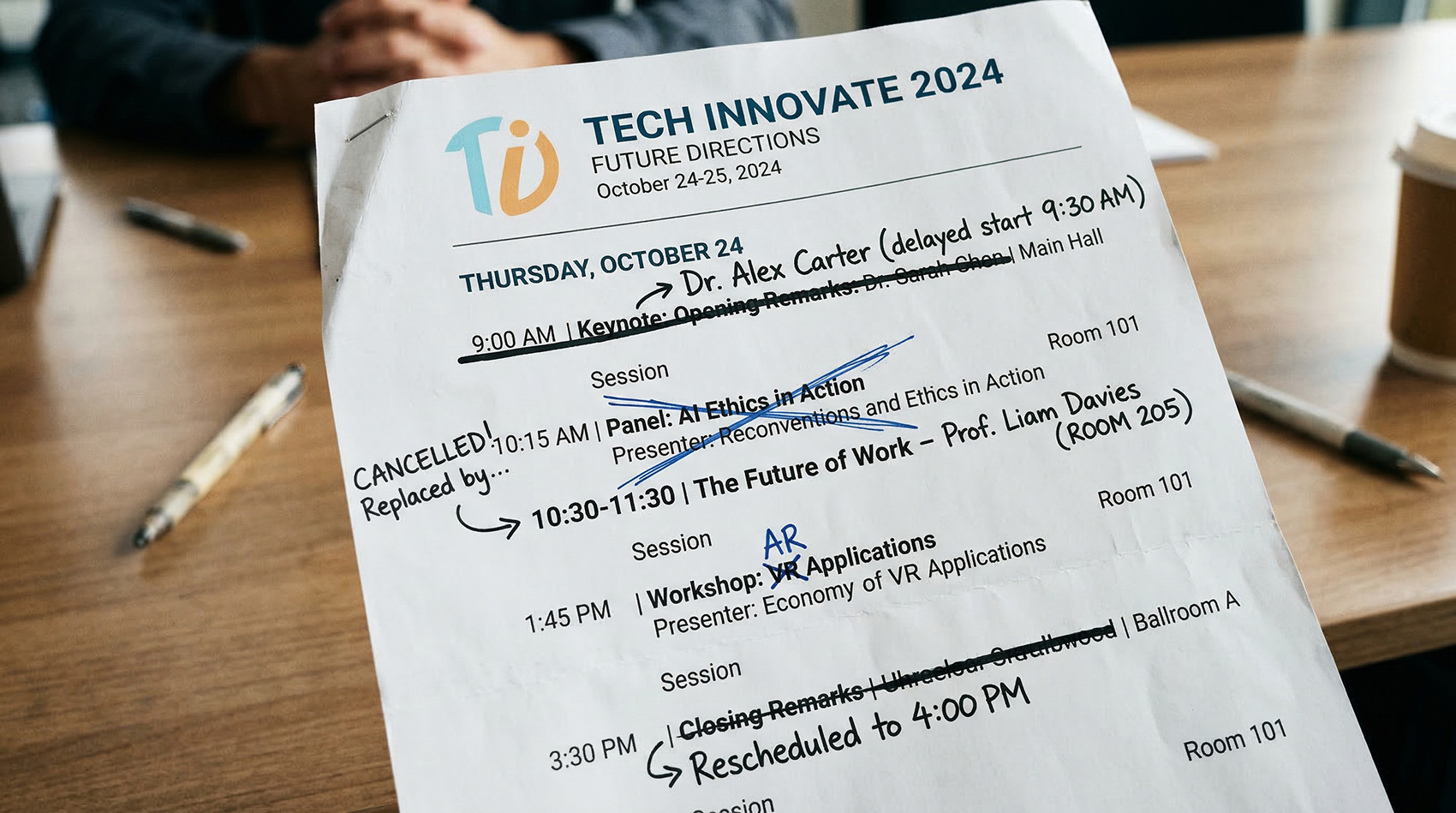
Printed programs are wrong before the event starts
You printed 500 programs. Then the keynote got delayed, a session was cancelled, a room changed, and the closing remarks moved to 4pm. Now every attendee has a program full of wrong information — and your staff is fielding questions all day.
Static QR codes on programs can't be updated after printing
Attendees follow outdated schedules and miss sessions
No way to know which sessions or sponsors got the most interest
After the event, every printed QR code goes to a dead page
With dynamic QR codes, you print the program once and update every link from your dashboard — before, during, and after the event.
One QR Code Tool for Every Part of Your Event
From registration to post-event surveys, dynamic QR codes give you a trackable, updatable link at every touchpoint.
Registration & Check-in
Put a QR code on confirmation emails, tickets, and check-in signage. Attendees scan to pull up their registration, badge info, or event details. If the check-in process changes — new URL, new form, new instructions — update the destination without resending anything.
→ Track check-in scans to measure actual attendance vs. registrations
Schedules & Agendas
Print a QR code on every program that links to the live schedule. When a session moves, a speaker cancels, or a time changes, update the link — the printed program still works. No announcements over the PA system. No confused attendees. No handwritten corrections.
→ One printed code, always pointing to the current schedule
Wayfinding & Directional Signage
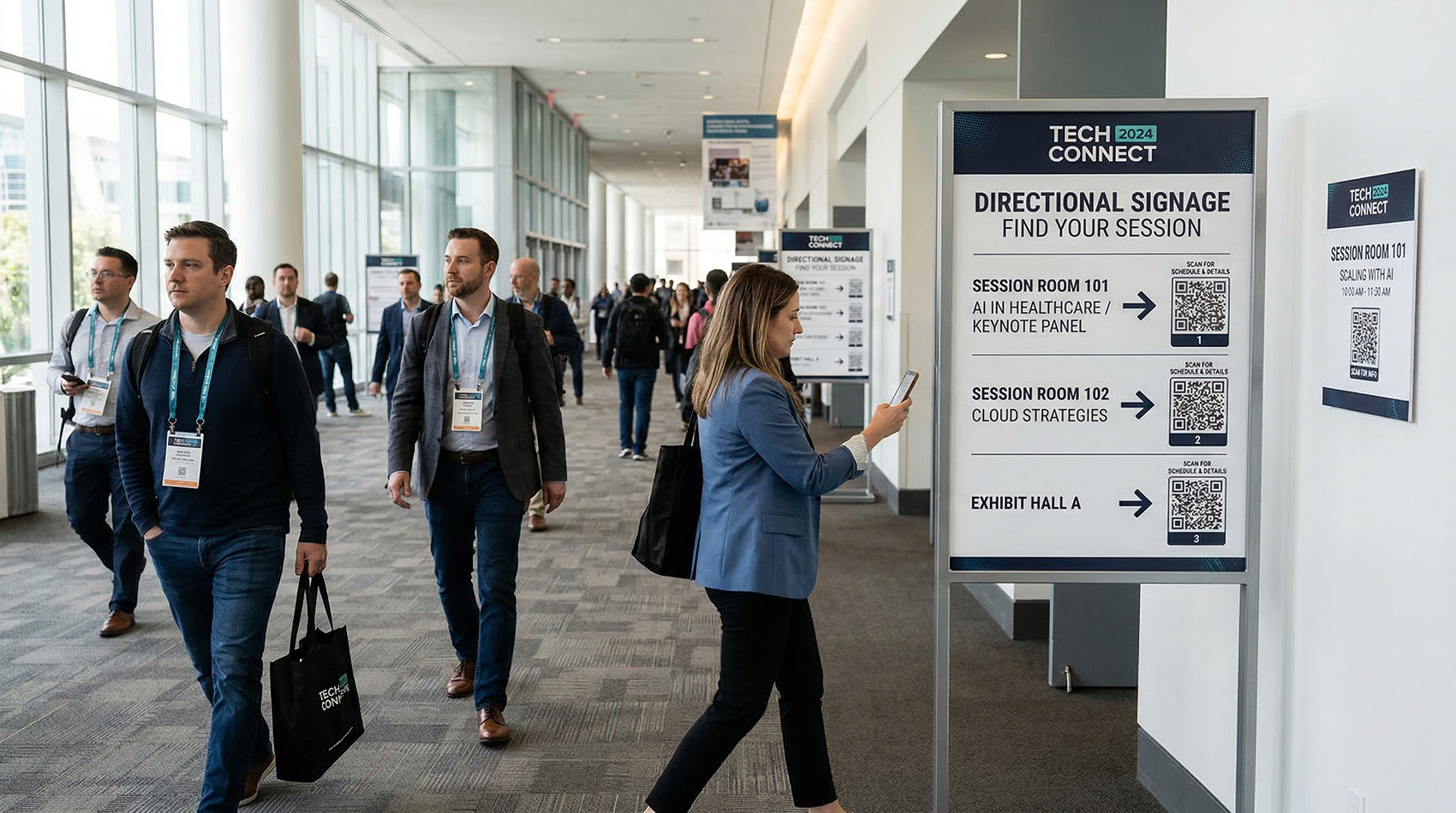
QR codes on directional signs link attendees to venue maps, parking info, session room details, or accessibility resources. If a room assignment changes day-of, update the QR destination instead of reprinting signs or taping up paper arrows.
→ See which signs get the most scans to optimize placement next year
Sponsor & Exhibitor Booths
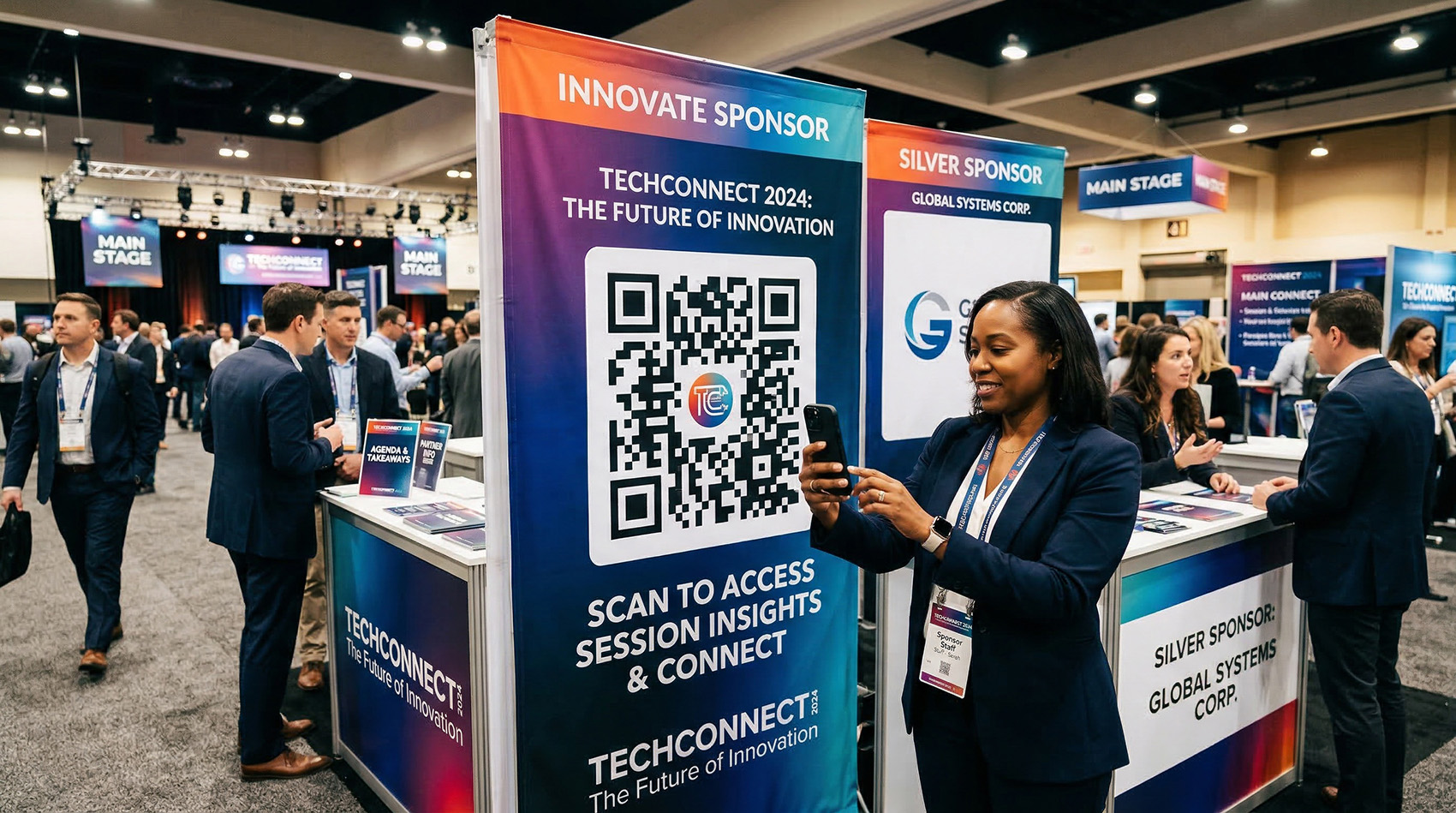
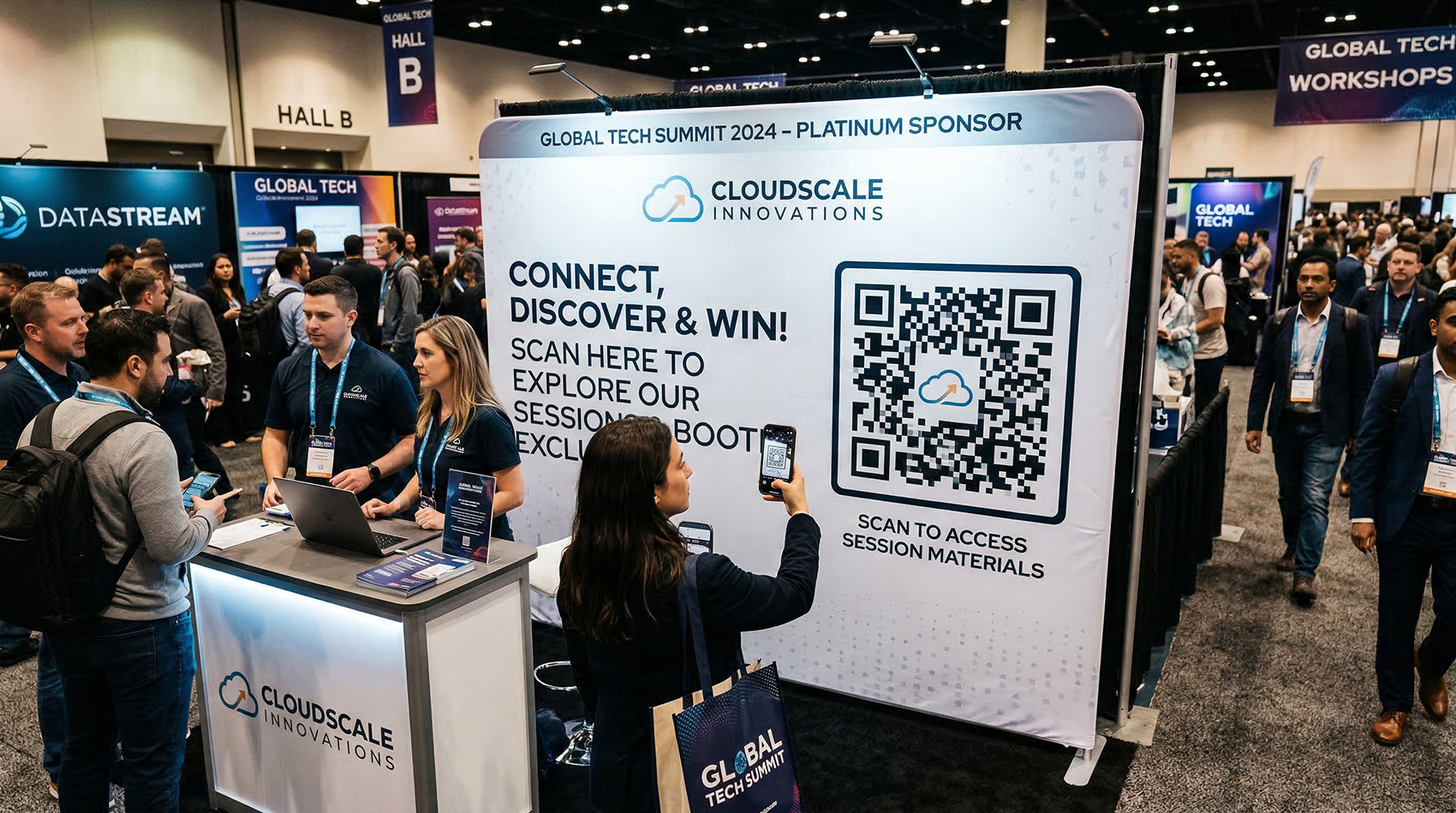
Give each sponsor a unique trackable QR code for their banner, table tent, or handout materials. After the event, hand them a CSV showing exactly how many people scanned, from which device, and at what time. That's the kind of data that gets sponsorships renewed.
→ Prove sponsor ROI with real scan data, not foot traffic estimates
Speaker & Session Pages
Place a QR code outside each session room linking to the speaker's bio, slide deck, or handout materials. Attendees scan before or during the session to follow along. After the event, redirect those same codes to the session recording or slides PDF.
→ Track which sessions generated the most interest by scan count
Wi-Fi Access
QR Code Better supports Wi-Fi QR codes natively. Attendees scan and connect automatically — no hunting for the network name and password on a whiteboard. Print it on table tents, the back of badges, or on signage at the entrance.
→ One scan, instant connection — no support desk needed
Feedback & Surveys
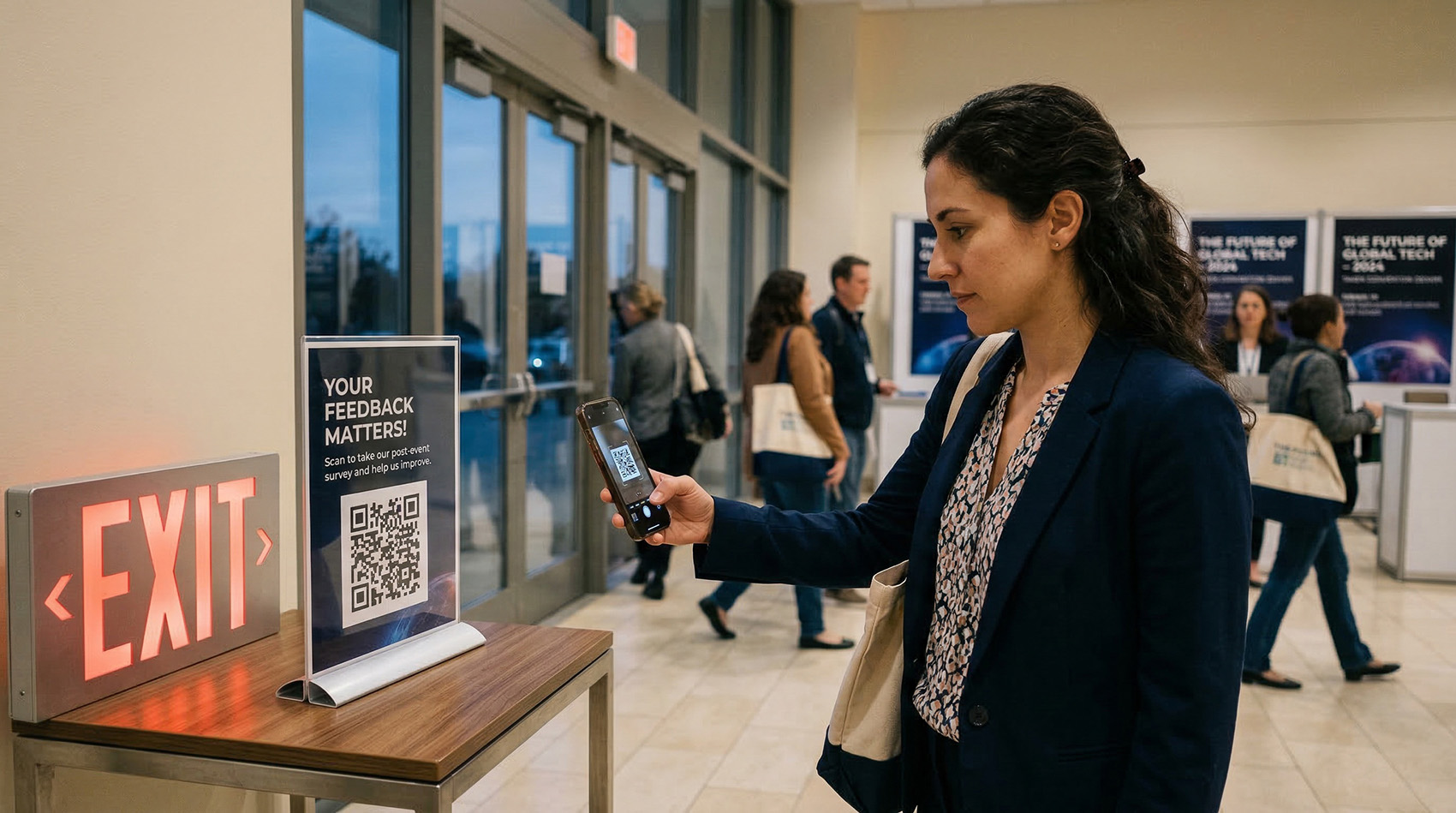
Put QR codes on table tents, exit signage, or follow-up emails linking to your post-event survey. Catch attendees while the experience is fresh. Track how many scanned to measure your survey response rate against attendance.
→ Higher response rates than emailing a link three days later
Post-Event Redirect
The event is over, but your printed materials are still out there — in tote bags, on desks, pinned to bulletin boards. Static QR codes on those materials now go to dead pages. Dynamic QR codes let you redirect every printed code to session recordings, photo galleries, next year's registration, or a thank-you page.
→ Turn last year's materials into next year's marketing
Know Exactly How Attendees Engaged
Every QR code scan is logged with location, device, browser, and timestamp. See which touchpoints worked and which didn't — then export the data for your post-event report.
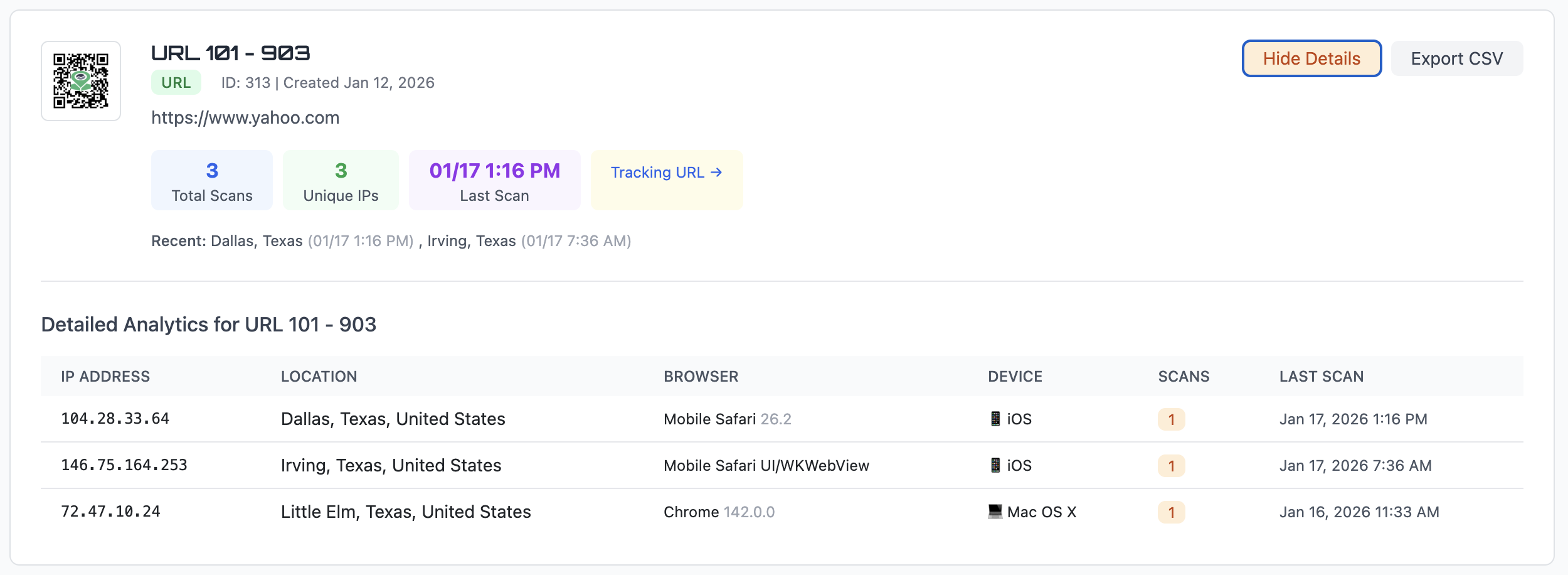
City-level data shows whether attendees are local or traveling in — useful for planning next year's venue.
iPhone or Android? Make sure your linked pages are optimized for the devices your audience actually uses.
See peak engagement times across the event. Know which sessions and time slots drew the most scans.
Update Any Link — Before, During, or After the Event
Events are unpredictable. Speakers cancel the morning of. Rooms get reassigned at lunch. The after-party moves to a different venue. With dynamic QR codes, every change is a 10-second fix from your dashboard — not a reprint, not a PA announcement, not a confused attendee.
Print your programs, banners, and signage once. Update the links as many times as you need.
How It Works
Create QR codes for each touchpoint
Registration, schedule, session rooms, sponsor booths, Wi-Fi, surveys — create a separate trackable code for each one.
Print them on everything
Programs, signage, banners, badges, table tents, tickets. Download as PNG, SVG, or PDF for any print format.
Update and track in real time
Change destinations as the event evolves. Watch scans roll in from your dashboard. Export everything to CSV for your post-event report.
Your Next Event Deserves Smarter QR Codes
Trackable. Updatable. Built for the chaos of live events.
No credit card required • 14-day trial • Cancel anytime
Common Questions
How many QR codes do I need for an event?
It depends on the event, but most organizers create one per touchpoint: registration, schedule, each session room, each sponsor, Wi-Fi, and feedback survey. A mid-size conference might use 15–30 codes. QR Code Better's Pro plan covers 40 codes for $25/month.
Can I update a QR code after the programs are printed?
Yes — that's the core feature. The printed QR code stays the same, but you control where it points from your dashboard. Update as many times as you need before, during, and after the event.
Can I give sponsors their own scan data?
Yes. Create a separate QR code for each sponsor. After the event, export their scan data to CSV — total scans, unique visitors, locations, devices, and timestamps. Share it directly as part of your sponsorship report.
Do you support Wi-Fi QR codes?
Yes. QR Code Better supports Wi-Fi QR codes natively. Enter the network name and password, and attendees scan to connect automatically — no typing required.
What happens to the QR codes after the event?
You can redirect them to anything — session recordings, photo galleries, next year's registration page, or a thank-you page. The printed materials keep working long after the event ends.
What format should I use for printing?
Use SVG or PDF for print — they're vector formats that scale to any size without losing quality. PNG works for digital use like emails and slides. QR Code Better lets you download in all three.