QR Codes for Advertising
Track every scan. Update any link.
You're spending real money on ads. The QR code on your billboard, flyer, or mailer should tell you exactly what happened after someone scanned it — and let you change the destination without reprinting.

Every printed ad with a QR code should be giving you data back.
Most advertising QR codes are a black hole
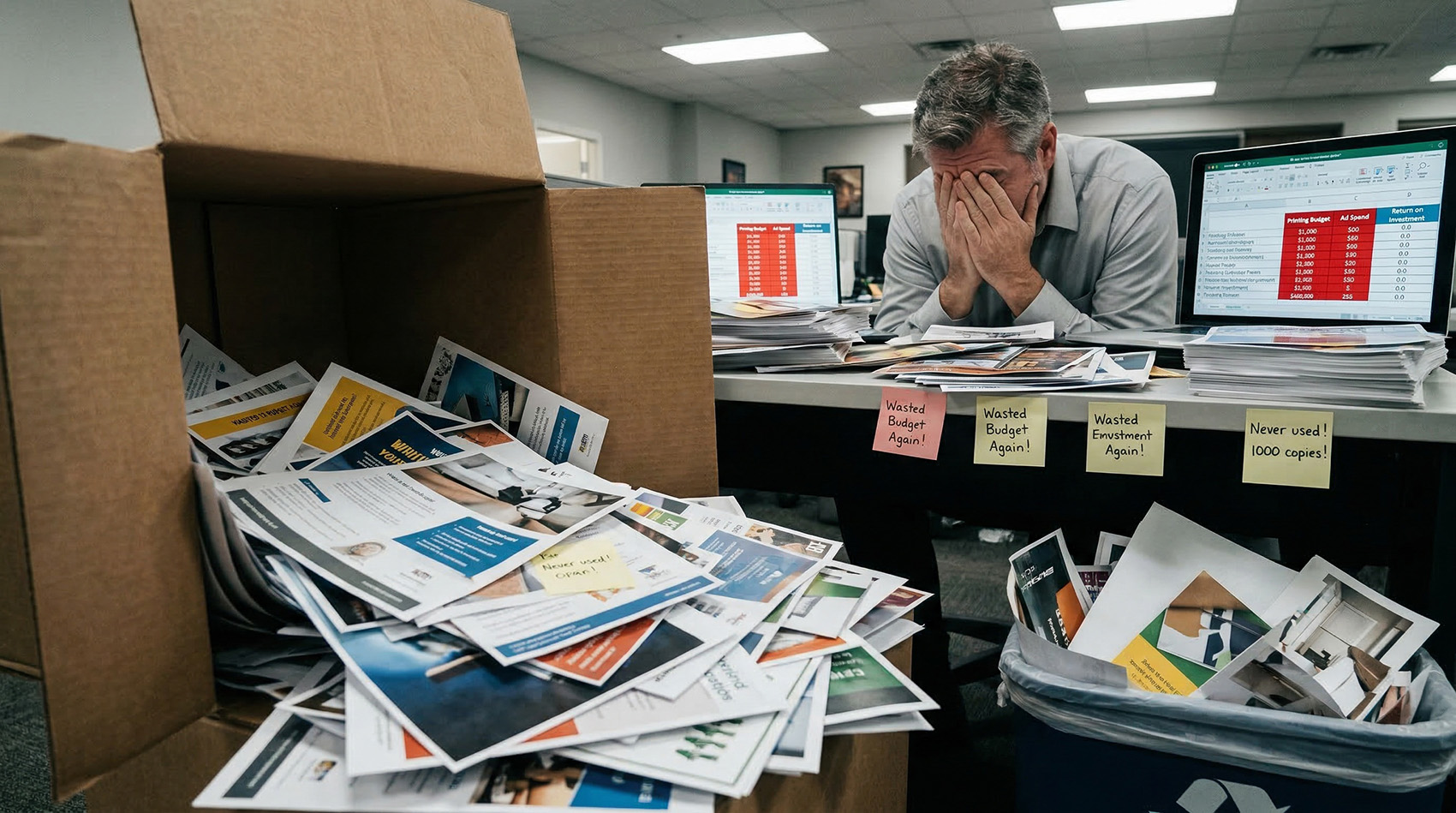
You printed 5,000 flyers. You leased a billboard for a month. You mailed postcards to every address in the zip code. But how many people actually scanned the QR code? You have no idea.
Static QR codes give you zero scan data
URL typo or page change? Reprint everything.
Campaign ends and the QR goes to a dead page — forever
Your boss asks "did the ads work?" and you shrug
With QR Code Better, Every Ad Scan Tells You Something
Every scan is tracked with location, device, browser, and timestamp. Every destination is editable from your dashboard. Your advertising finally has a feedback loop.
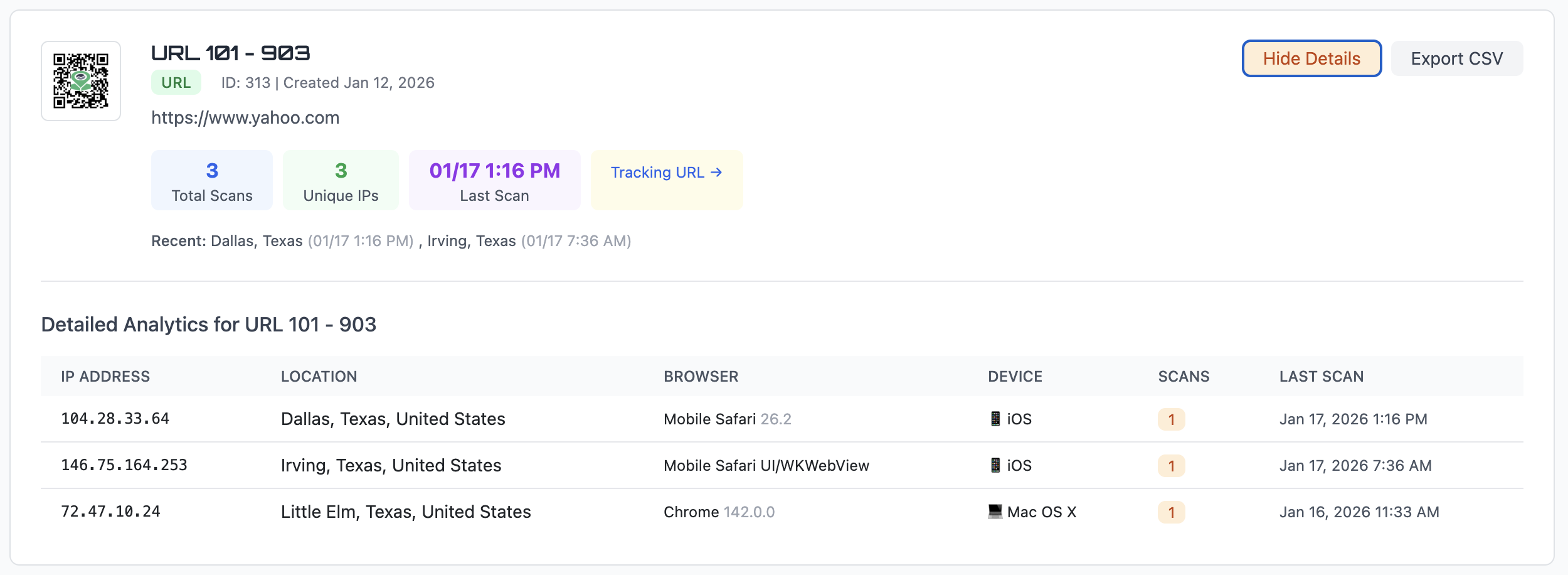
City-level location data for every scan. Know which markets are responding to your ads.
iPhone or Android? Safari or Chrome? Know your audience's devices.
Exact timestamps on every scan. See peak engagement times and optimize your next campaign.
QR Codes Work Across Every Ad Channel
Anywhere you're printing an ad, a trackable QR code turns it into a measurable touchpoint.
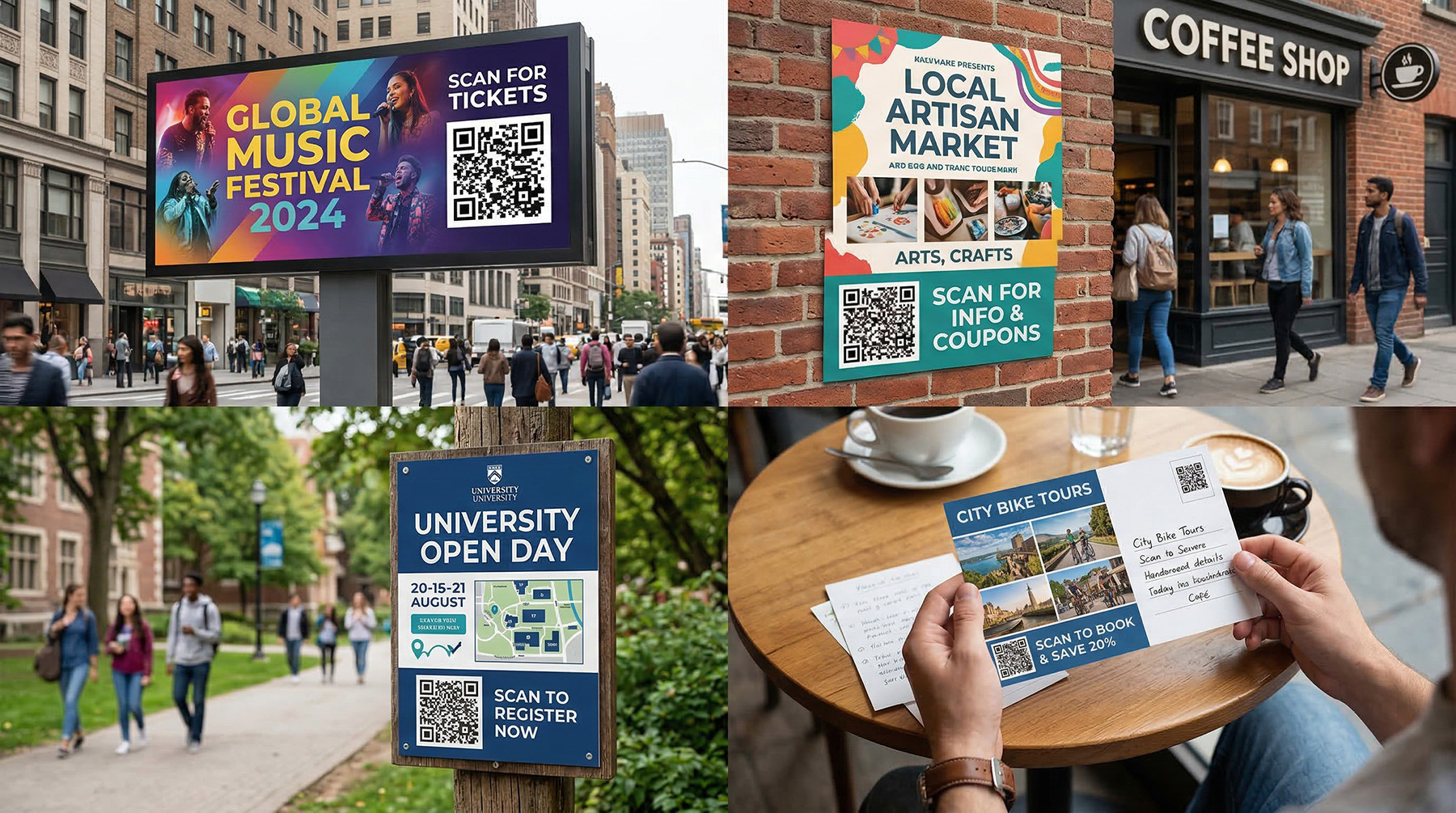
Billboards & Outdoor
Billboard contracts run for months. Update the destination as campaigns change — without touching the vinyl.
Magazine & Print Ads
Magazines sit in waiting rooms for months. Keep the QR code destination current as offers change.
Direct Mail
Finally measure your mailer ROI. See exactly how many recipients scanned, from where, and on what device.
Storefronts & Windows
Print the window decal once. Update the destination as promotions rotate — holiday sale, clearance, new arrivals.
Yard Signs & Banners
Real estate, events, local services — track which sign locations get the most scans and redirect when the content changes.
Packaging & Inserts
Link to setup guides, warranty pages, or upsell offers. Update the content without changing the packaging artwork.
Edit After Printing — The Feature That Pays for Itself
You leased a billboard. You printed 10,000 postcards. You put QR codes on all of them. Then the landing page URL changed. With a static QR code, you're reprinting. With QR Code Better, you log in and fix it in ten seconds.
One reprint job costs more than a year of QR Code Better. The math is simple.
How It Works
Create your QR code
Paste your destination URL and generate a trackable, editable QR code in under 60 seconds.
Add it to your ads
Download as PNG, SVG, or PDF. Use it on billboards, flyers, mailers, signs — anywhere you advertise.
Track and update
Watch scans roll in from your dashboard. Change the destination anytime — the printed code stays the same.
Your Ad Budget Deserves Better QR Codes
Track every scan. Update any destination. Measure your real ROI.
No credit card required • 14-day trial • Cancel anytime
Common Questions
Can I track how many people scanned a QR code on my ad?
Yes. Every scan records the city, device type, browser, and exact timestamp. You can see all of this from your dashboard and export it to CSV for campaign reports.
What if my landing page URL changes after I print?
Update the destination from your dashboard in seconds. The printed QR code stays the same — it just redirects to the new URL. No reprinting required.
Can I use different QR codes to compare ad placements?
Yes. Create a separate QR code for each placement — one for the billboard, one for the mailer, one for the flyer. Compare scan counts and locations to see which performed best.
What format should I use for print advertising?
Use SVG or PDF for print — they're vector formats that scale to any size without losing quality. PNG works for digital use. QR Code Better lets you download in all three formats.
Will my QR codes stop working if I cancel?
Your QR codes keep working for 30 days after cancellation, giving you time to transition. We don't hold your printed codes hostage.