Printed the wrong QR code?
Fix it without reprinting.
Static QR codes are permanent mistakes. With an editable QR code from QR Code Better, you can change the destination anytime—while the printed QR stays the same.
14-day trial • Create editable QR codes in under 60 seconds
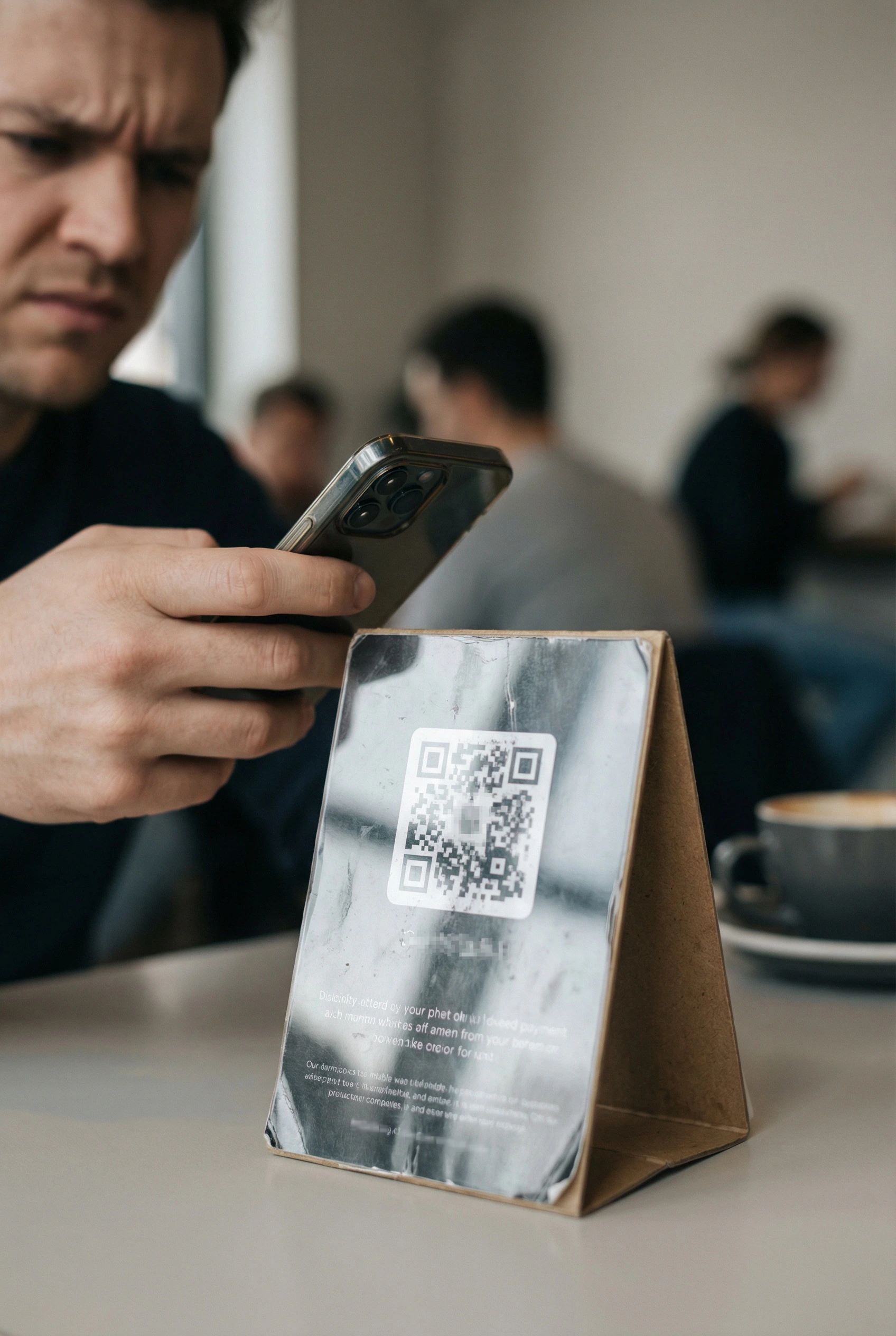
The “Oops” List That Wrecks Printed QR Codes
Wrong URL printed (or a tiny typo)
Landing page moved, renamed, or deleted
Menu, product, or promo changed after printing
Event details changed (venue, time, ticket page)
Short links expire or tracking links break
New campaign? You need a new destination
The Fix: A QR Code With a Safety Layer
An editable QR code points to a secure redirect layer first. You control the final destination—so you can update the link after printing.
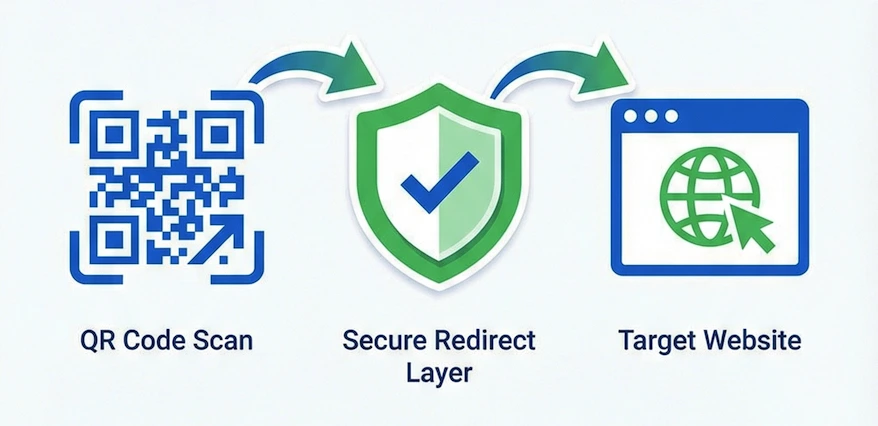
Same printed QR code → update the destination anytime.
Fix mistakes instantly
Printed the wrong link? Update it in your dashboard. No reprint, no lost scans.
Reuse the same QR forever
Keep one QR code for menus, signs, packaging, and campaigns—while you swap destinations as needed.
Optional analytics (if you want it)
See scans, locations, devices, and timestamps—without collecting personal info about scanners.
No credit card required • Cancel anytime
When Editable QR Codes Save Your Day
Restaurants & Menus
Menu changes weekly? Keep the same QR code on every table and just update the menu link.
→ Print once, update forever
Packaging & Product Inserts
Swap manuals, videos, or warranty pages without changing packaging artwork.
→ One QR for every batch
Events & Posters
Venue change? New ticket link? Update the destination and keep posters valid.
→ Fix changes in seconds
Marketing Campaigns
Test different landing pages without changing the printed QR code on flyers or mailers.
→ Swap destinations anytime
How It Works
Create your QR
Paste a destination URL and generate an editable QR code.
Print it anywhere
Menus, signs, packaging, posters—use the same QR code everywhere.
Update anytime
Change the destination later without reprinting. The printed QR stays valid.
Make Your QR Code Future-Proof
One QR code. Unlimited destination updates.
No credit card required • Cancel anytime
Common Questions
Can I change a QR code destination after printing?
Yes—if it’s an editable (dynamic) QR code. You keep the same printed QR, but you can update the destination from your dashboard anytime.
What happens if I printed the wrong link?
With QR Code Better, you can fix the destination link instantly. No reprint required.
Will my QR codes stop working if I cancel?
Your QR codes keep working. If you downgrade, you may lose access to advanced features—but we don’t “break” your printed codes.