QR Code for Restaurant Menus (Update Anytime, Speed Up Orders, No Reprints)
Put a QR code menu system on every table so guests can instantly view your menu, order faster, and spend more. No waiting for menus, no printing costs, no outdated pricing.
Change your menu anytime without reprinting. Add specials, update prices, switch lunch to dinner — the same QR code keeps working. Track scans to see when guests are browsing your menu and optimize your busiest hours.
Used by restaurants to replace paper menus, speed up ordering, and reduce costs.
Create Your Restaurant QR Code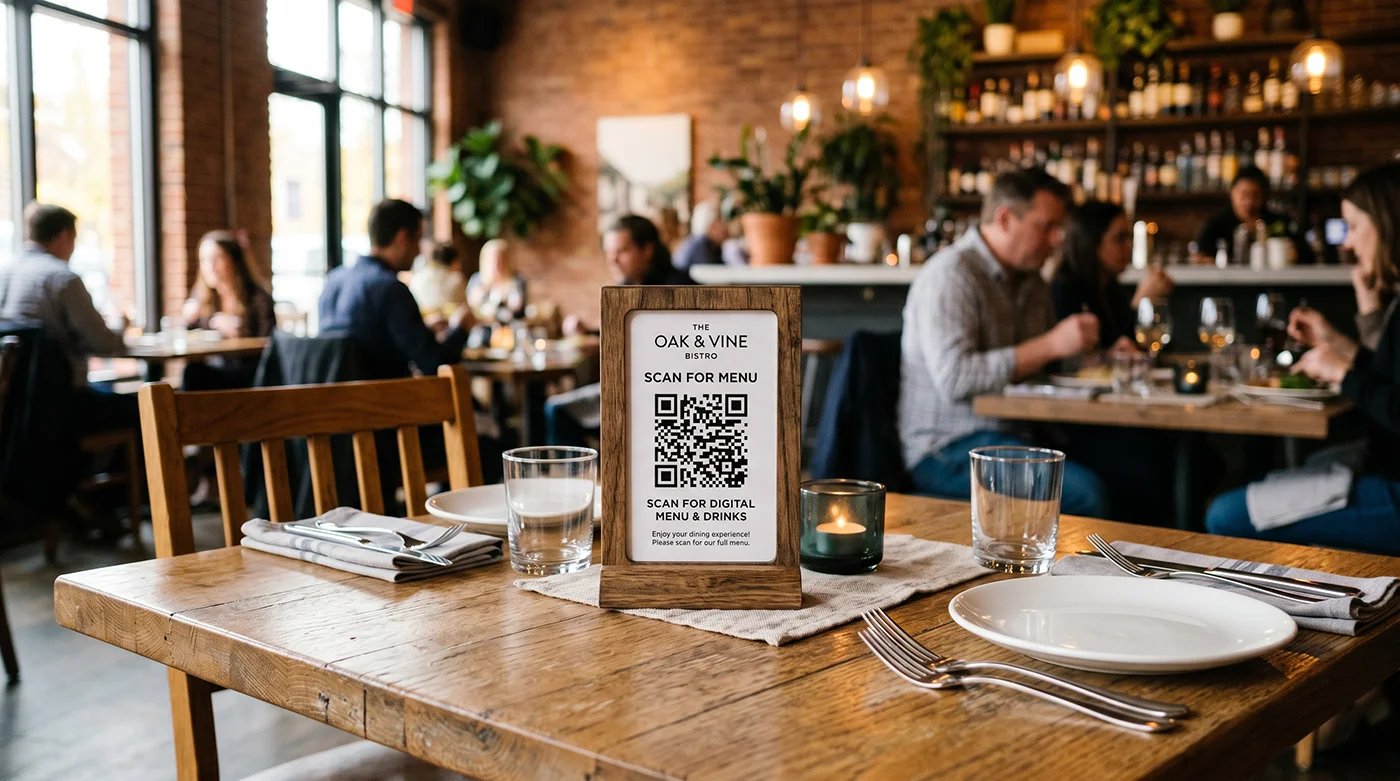
What happens when a customer scans your QR code?
1. They scan at the table — no waiting for a server or menu
2. Your menu loads instantly — always up to date with current prices and items
3. They decide faster — no flipping pages or waiting
4. They order sooner — faster decisions = faster service
5. You turn tables faster — more orders, more revenue per hour
This works as a full restaurant QR ordering system or a simple digital menu, depending on how you use it.
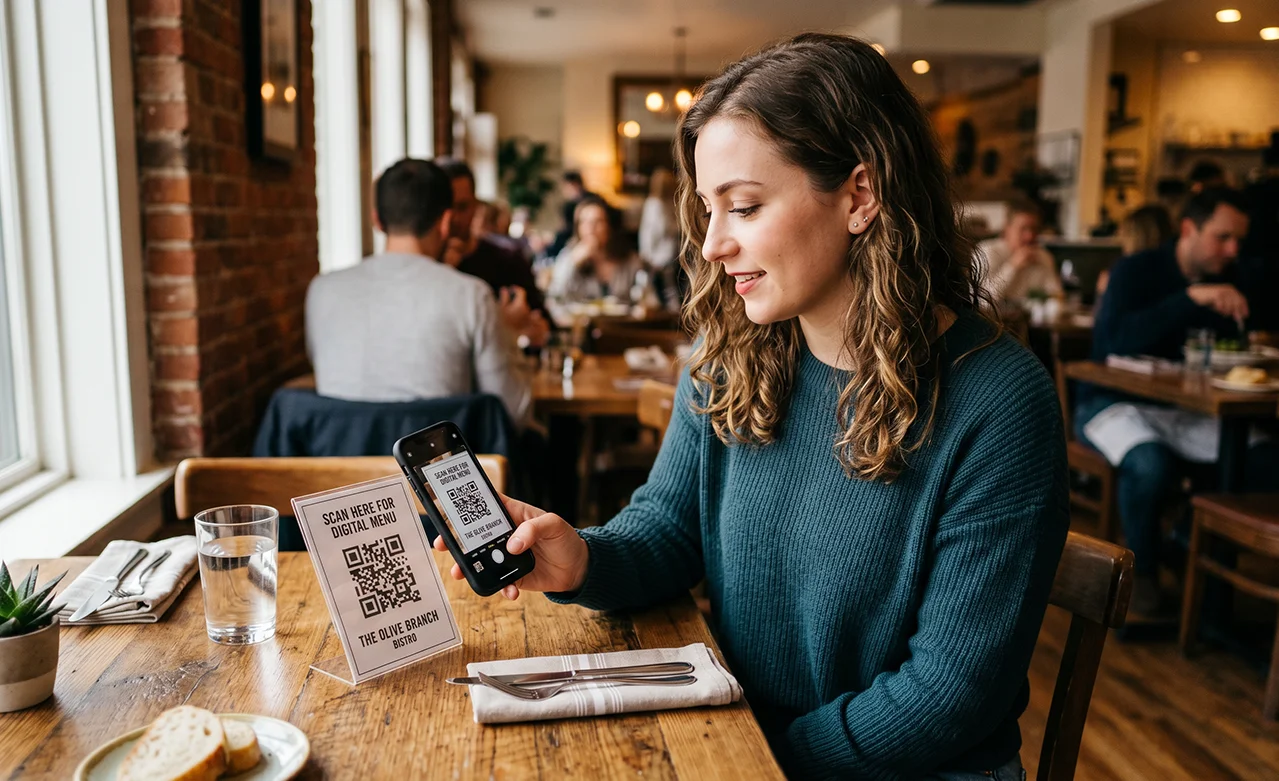
Why restaurants are switching to QR code menus
Paper menus slow things down and cost money every time you update them. QR code menus let you move faster, reduce costs, and give guests instant access to your latest menu.
Update prices, items, or specials instantly — no reprinting
Speed up ordering and reduce wait times
Turn tables faster and increase revenue per hour
Eliminate worn, outdated, or missing menus
Where to put QR codes in your restaurant
The more places guests see your QR code, the more they'll use it. Put it everywhere they might want to check the menu or connect with you.
🍽️ Table tents
🪟 Window decals
🧾 Receipts
🛍️ Takeout bags
📋 Host stand
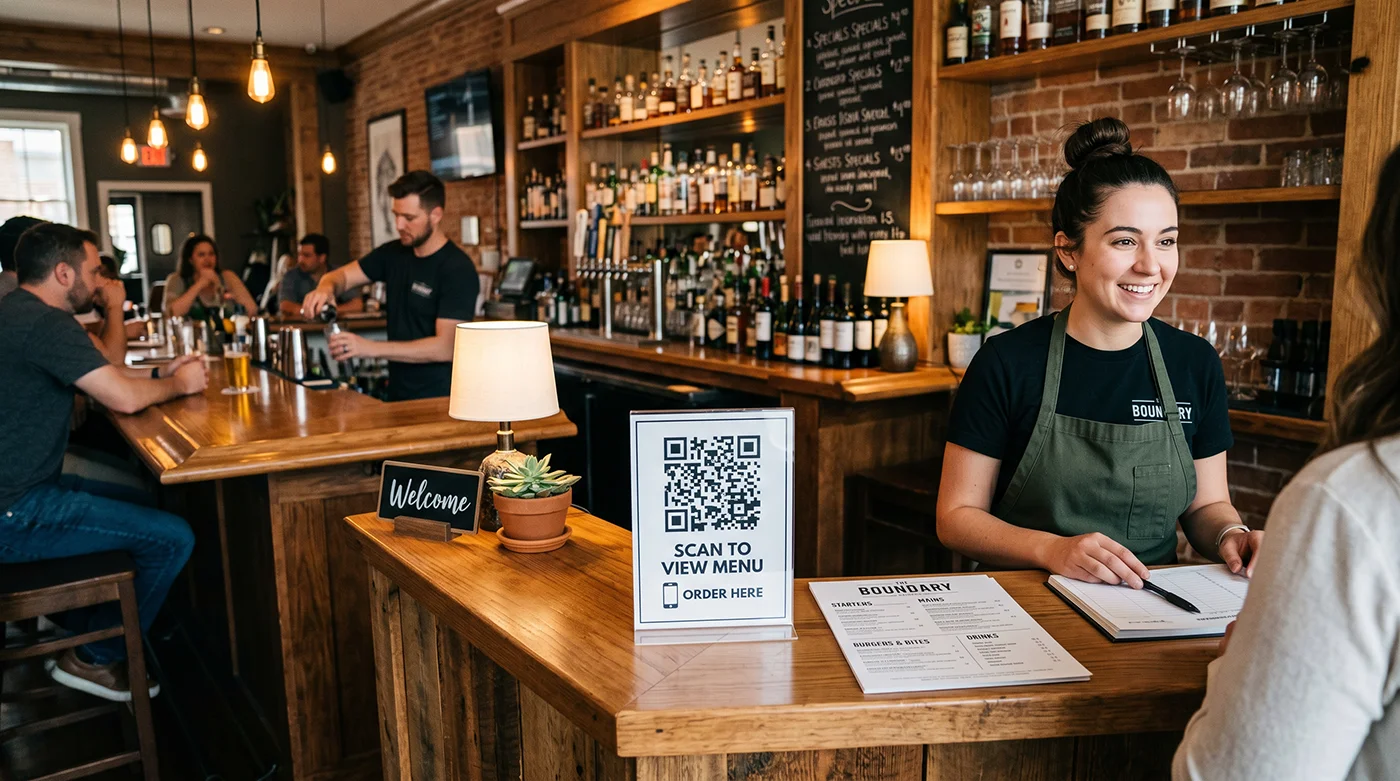
🧱 Counter or bar top
Paper menus vs QR code menus
Paper menus
- • Expensive to reprint
- • Outdated as soon as prices change
- • Slow ordering process
- • Wear out, tear, and get lost
QR code menus ✓
- • Update anytime without reprinting
- • Always shows current menu
- • Faster ordering and table turnover
- • Works across tables, takeout, and marketing
What to link your restaurant QR code to
Your QR code can point to anything — pick the destination that makes the biggest difference for your business.
PDF menu
Upload your menu as a PDF and link directly to it. Guests see exactly what you'd hand them, but on their phone.
Online ordering page
Link to your online ordering system so dine-in or takeout customers can order directly from the table.
Google Reviews
Put a QR code on the check presenter. Happy guests can leave a review before they walk out the door.
Reservation link
Link to OpenTable, Resy, or your own booking page so guests can book their next visit on the spot.
WiFi login
Use a WiFi QR code so guests connect to your network with one scan — no asking for the password. See our WiFi QR code generator.
Social media
Link to your Instagram, Facebook, or TikTok so guests can follow you while they're thinking about it.
Track QR code scans at your restaurant
With a dynamic QR code, every scan is logged. See how many guests are using your digital menu and when your busiest scan times are.
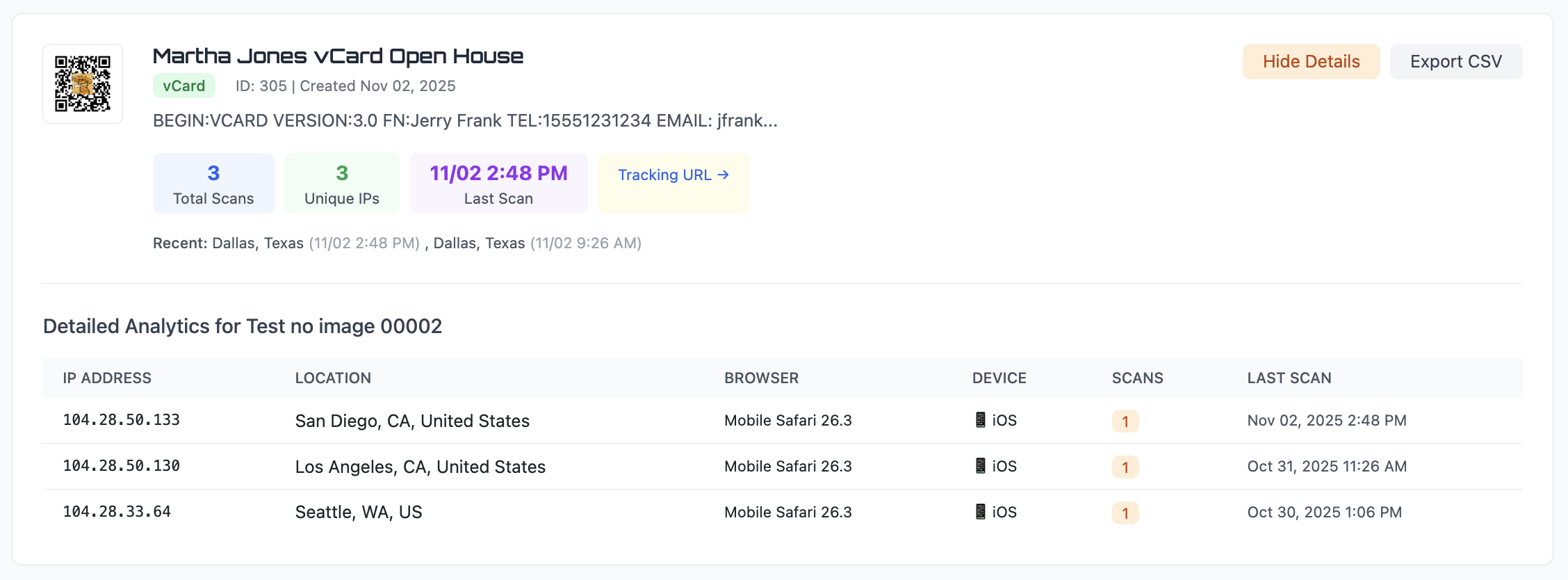
Scan count — see how many guests are using your QR menu
Approximate location — useful if you have multiple locations
Date and time — see peak hours for menu views
Device type — know what phones your guests use
Export scan data to CSV anytime. Compare different locations or track week-over-week trends.
Static vs dynamic QR codes for restaurants
For restaurants, this decision is easy.
Static QR code
The URL is permanent. If you change your menu page, update prices, or switch hosting, the QR code still points to the old link. You'd need to reprint every table tent.
Best for: a menu that will truly never change (rare in restaurants).
Dynamic QR code ✓
Change the destination anytime. Swap your lunch menu for dinner, add holiday specials, or redirect to a new online ordering system — without touching a single table tent.
Best for: every restaurant that updates menus, prices, or specials.
Learn more about the differences in our static vs dynamic QR code guide.
Restaurant QR Code FAQs
How do I create a QR code for my restaurant menu?
Sign up for a free trial, paste the link to your online menu or upload a PDF, customize the QR code, and download it in PNG, SVG, or PDF format. Print it on table tents, window decals, or anywhere guests will see it.
Can I update my menu without reprinting the QR code?
Yes. With a dynamic QR code, you can change where it points anytime. Update your menu prices, add seasonal items, or swap to a completely new menu — the printed QR code stays the same.
Can I track how many people scan my menu QR code?
Yes. Every scan is logged with the date, time, approximate location, device type, and browser. You can see peak hours and export the data to CSV.
What should my restaurant QR code link to?
Common destinations include a PDF menu, an online ordering page, your Google Reviews page, a reservation link, or your WiFi network details.
How big should the QR code be on a table tent?
At least 1 inch wide for a table tent — guests are scanning from about 1–2 feet away. Bigger is always better for readability. See our QR code size guide for details.
Create your restaurant QR code
Generate a QR code menu in seconds. Update it anytime, speed up service, and stop wasting money on reprints.
Open QR Code GeneratorLooking for other ways to use QR codes in your business? See our QR code marketing guide.