QR Code with Logo
That Actually Scans.
Add your logo to a QR code without breaking it. Most tools get this wrong — the logo blocks the pattern and the code fails to scan.
QR Code Better handles error correction, logo sizing, and contrast automatically — so your branded QR code works every time.
14-day free trial • No credit card required
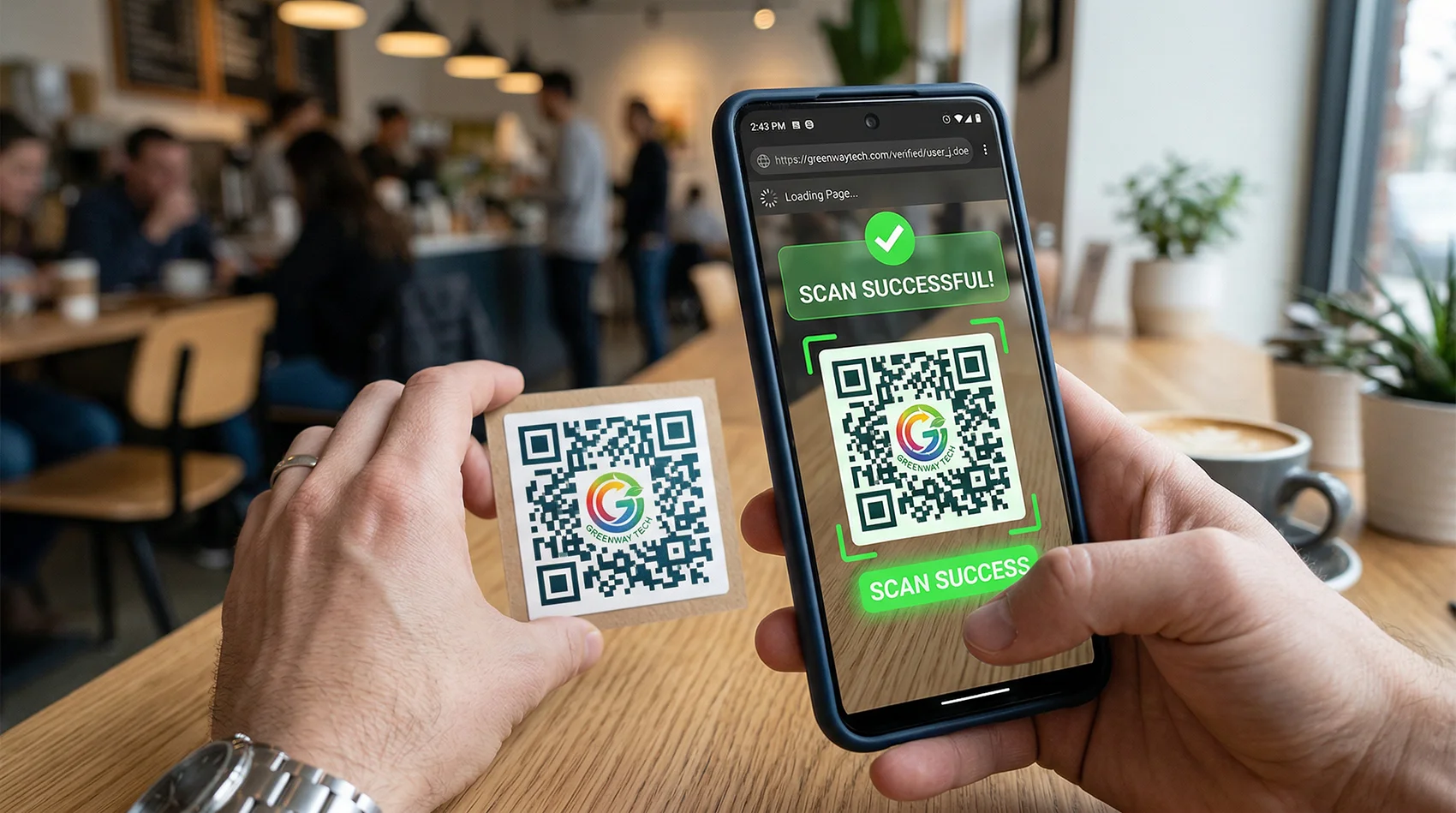
Why Most QR Codes with Logos Fail
Free QR code tools let you drop a logo in the center. What they don't tell you is that most of them produce codes that fail to scan — especially after printing.
Logo blocks the pattern
Place a logo too large and it covers data modules the scanner needs to read. The code looks great. It doesn't work.
Low contrast kills scans
Light logos on light backgrounds, or colorful logos on colored QR patterns — scanners can't distinguish the modules.
Too dense after print
High-density QR codes shrink down on business cards and flyers. Add a logo and the margin for error disappears completely.
No error correction
QR codes have built-in error correction. Most free tools use the lowest level — which means any logo coverage breaks the code.
Most "free" logo QR code tools produce codes that look good in a preview and fail in the real world.
How to Add a Logo Without Breaking the QR Code
QR Code Better handles the technical side automatically. Here's what happens behind the scenes — without the nerd talk.
Maximum error correction
Every QR code uses the highest error correction level (H). This means up to 30% of the pattern can be obscured and the code still scans. That's exactly what a logo needs.
Optimized logo sizing
The logo is sized to cover no more than the safe zone — large enough to be visible, small enough that the pattern remains readable.
Aspect ratio preserved
Your logo won't be squished into a square. Wide logos stay wide. Tall logos stay tall. It renders exactly as designed.
Custom color control
Choose QR code colors that maintain contrast with your logo — so scanners can read the pattern clearly at any size.
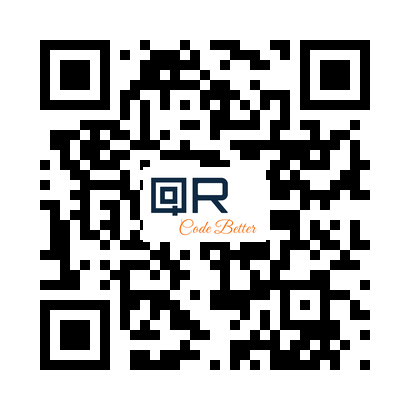
Logo centered. Pattern intact. Scans every time.
What You Get with Every Logo QR Code
Logo in the center
Upload any PNG, JPG, or SVG. Your logo renders in the center of the QR code with proper sizing and spacing.
Custom colors
Set the QR code foreground and background color to match your brand. Contrast is maintained for reliable scanning.
High-resolution downloads
Download in PNG format — sharp enough for print, business cards, packaging, and large-format signage.
Dynamic — edit after printing
Change the destination URL anytime without reprinting. The printed QR code stays exactly the same.
Scan tracking & analytics
See every scan — when, where, what device. Know whether your printed materials are actually working.
Works on print + digital
Business cards, flyers, menus, packaging, event signage — or on screen. Scans reliably on iPhone and Android.
Built to Create, Track, and Edit
Everything happens from one dashboard. Create your logo QR code, track every scan, and update the destination if anything changes — without reprinting.
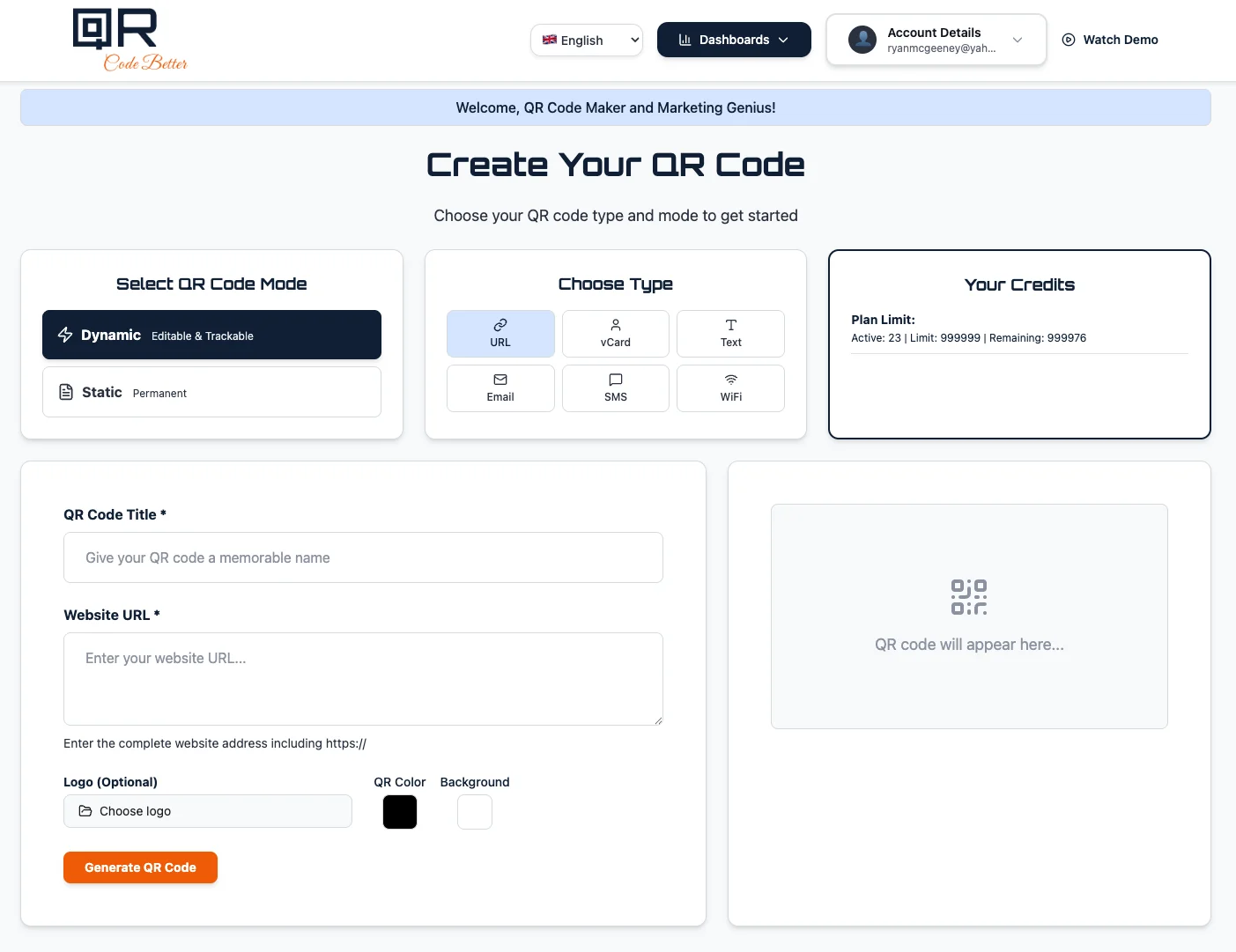
PNG, JPG accepted. Renders centered with correct aspect ratio.
Dynamic means you can edit the destination and track scans. Static is permanent.
High-resolution PNG ready for print or digital use immediately.
Where Businesses Use Logo QR Codes
Business cards
A QR code with your company logo on a business card looks intentional — not like a generic black square. Links to your vCard, website, or portfolio.
Product packaging
Branded QR codes on packaging link to product pages, manuals, or warranties. Dynamic means you can update the link without changing packaging.
Marketing flyers
A logo QR code on a flyer ties the code to your brand. Track how many people scanned it and update the landing page without reprinting.
Real estate signs
Realtors use logo QR codes on yard signs and flyers. When the listing changes, update the destination — the sign stays the same.
Restaurant menus
Table cards with a branded QR code look professional. Update the menu link anytime — no reprinting table inserts.
Events & conferences
Branded QR codes on event programs, lanyards, and signage. Track engagement and update links if the schedule changes.
Best Practices for QR Codes with Logos
Keep the logo under 30% of the QR code area
QR codes can recover from up to 30% damage thanks to error correction. Keep your logo within that limit and the code stays scannable. QR Code Better enforces this automatically.
Maintain contrast between the logo and the QR pattern
A white or light logo background helps the scanner separate the logo from the QR modules. Avoid transparent logos on dark QR codes without a white backing.
Test the scan before printing at scale
Always scan your QR code from the downloaded file before committing to a print run. Test on both iPhone and Android.
Use a dynamic QR code for anything printed
If there's any chance the destination URL changes, use a dynamic code. You can update the link without changing the printed QR code — logo and all.
Create a QR Code with Your Logo That Actually Works
Branded, editable, and trackable. No reprints when something changes.
No credit card required • Dynamic and static included • Cancel anytime
Common Questions
Can QR codes have logos?
Yes. QR codes have built-in error correction that allows part of the pattern to be covered. When handled correctly — right logo size, maximum error correction level — a logo QR code scans reliably. The problem is most free tools don't handle this correctly.
Do logo QR codes scan reliably?
Yes — when built properly. QR Code Better uses the highest error correction level and limits the logo to the safe coverage zone. The result scans on iPhone and Android without issues.
Can I edit the QR code after printing?
Yes — if you use a dynamic QR code. The destination URL can be updated anytime from your dashboard. The printed QR code — logo and all — stays exactly the same. No reprint needed.
Do logo QR codes track scans?
Yes — dynamic QR codes track every scan with date, time, location, and device type. Static QR codes don't track anything. For any printed material, dynamic is the better choice.
What file formats can I download?
QR codes download as high-resolution PNG — sharp enough for business cards, flyers, packaging, and large-format print. The file is ready to use immediately after generating.
What logo file types are supported?
PNG and JPG logos are supported. PNG with a transparent background works best — it blends cleanly into the center of the QR code without a white square border.